Reduce SharePoint storage costs by at least 61%
Work in SharePoint as usual—store in Azure.
Seamlessly archive your excess data to Azure Blob Storage.
Start your free ShArc trial now to save money and time, while end users access all data with 1 click.
"ShArc has done what Microsoft clearly refused to do. Utilizing a cheaper cold storage approach as a backend for live active SharePoint sites is perfect! End users don't see a change but data storage costs are kept in control. Its an ingenious solution to a problem all SharePoint admins face."
John Terrence | IT Manager | Simple Mills Inc.
Trusted by SharePoint Admins around the world

Start now if you need:

Benefit from the low priced storage space in Azure Blob Storage. Minimize your SharePoint costs.

Never run out of SharePoint storage. Ensure scalability of your storage capacities.

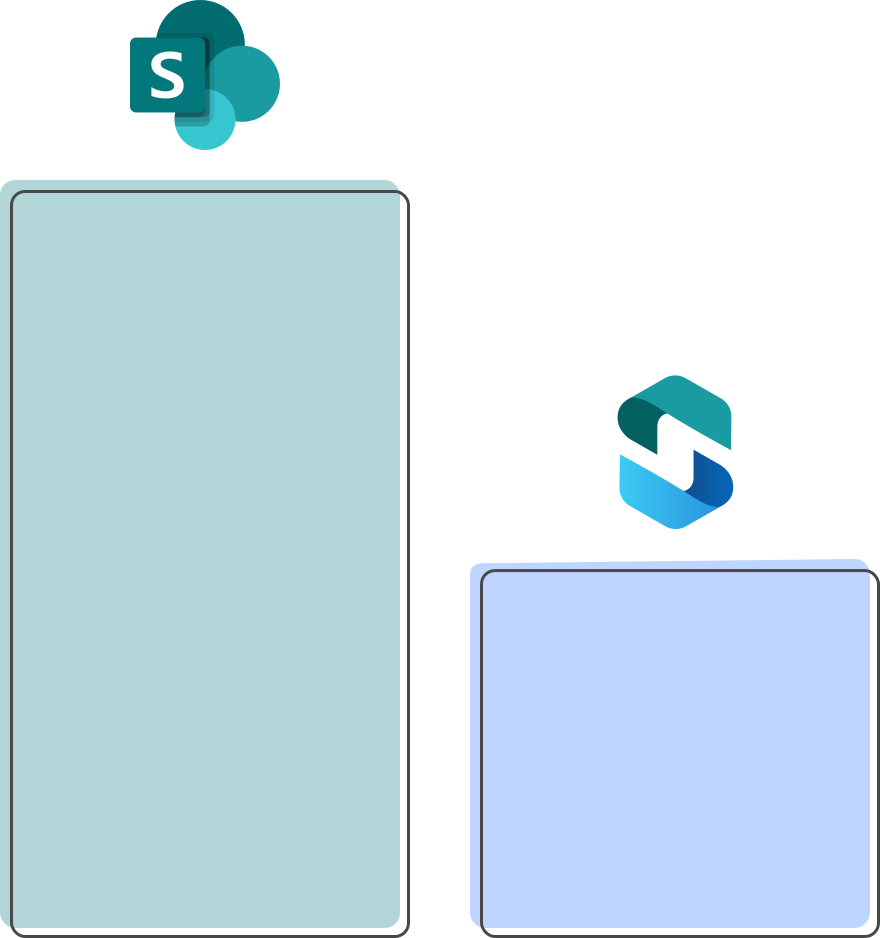
Your storage costs per year
You have two options to maximize your SharePoint storage: purchasing additional storage in SharePoint or utilizing your Azure Blob Storage.
15TB extra SharePoint Online storage per month cost per year: $37,800
Move your SharePoint data to Azure Blob Storage and save at least 61% with ShArc
Including server costs, storage costs and the costs for ShArc you pay $14,223 SharePoint storage costs when storing your data smart and cost-effective in Azure Blob Storage. With our tool ShArc you can keep your data in Microsoft and automatically transfer data from SharePoint Online to Azure. On our pricing page you can see a complete calculation example.
Feature overview
✓ Automatic archiving: set up archiving rules for your data, based on size, last access and more
✓ Simple configuration: set up and configure archiving rules and policy management in minutes
✓ Intuitive dashboard: keep an eye on storage limits, react early and provide the necessary storage capacities
✓ High security: keep your data in your Microsoft environment, based on your security policies
✓ Smart reporting: get an overview of your data and create your reports with one click
✓ Direct user access: let users restore archived data through familiar SharePoint interface with one click
✓ Automated notifications: get information about successful archiving or issues in real time through Azure Alerts


How our tool works
- Connect SharePoint with Azure Blob Storage.
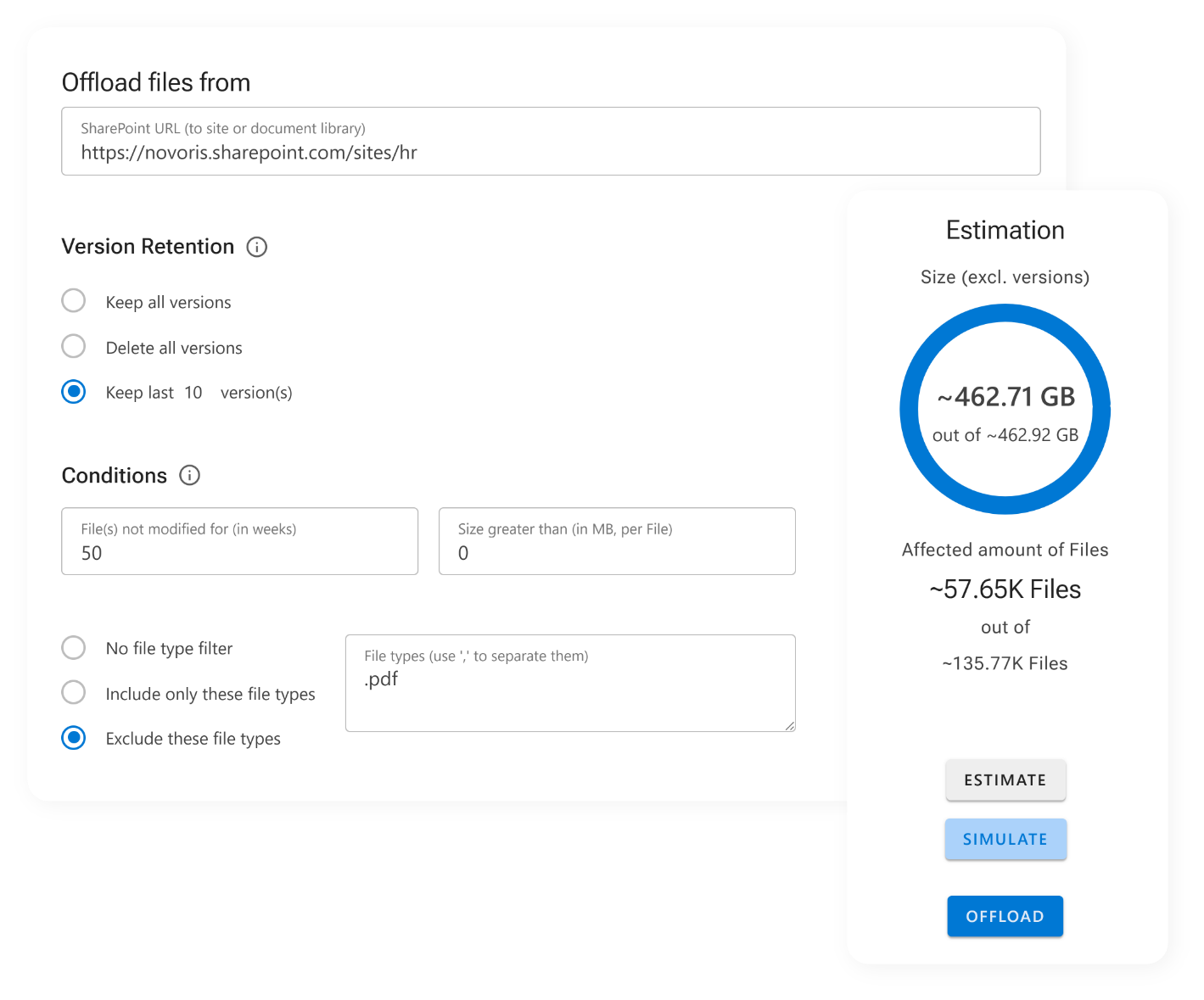
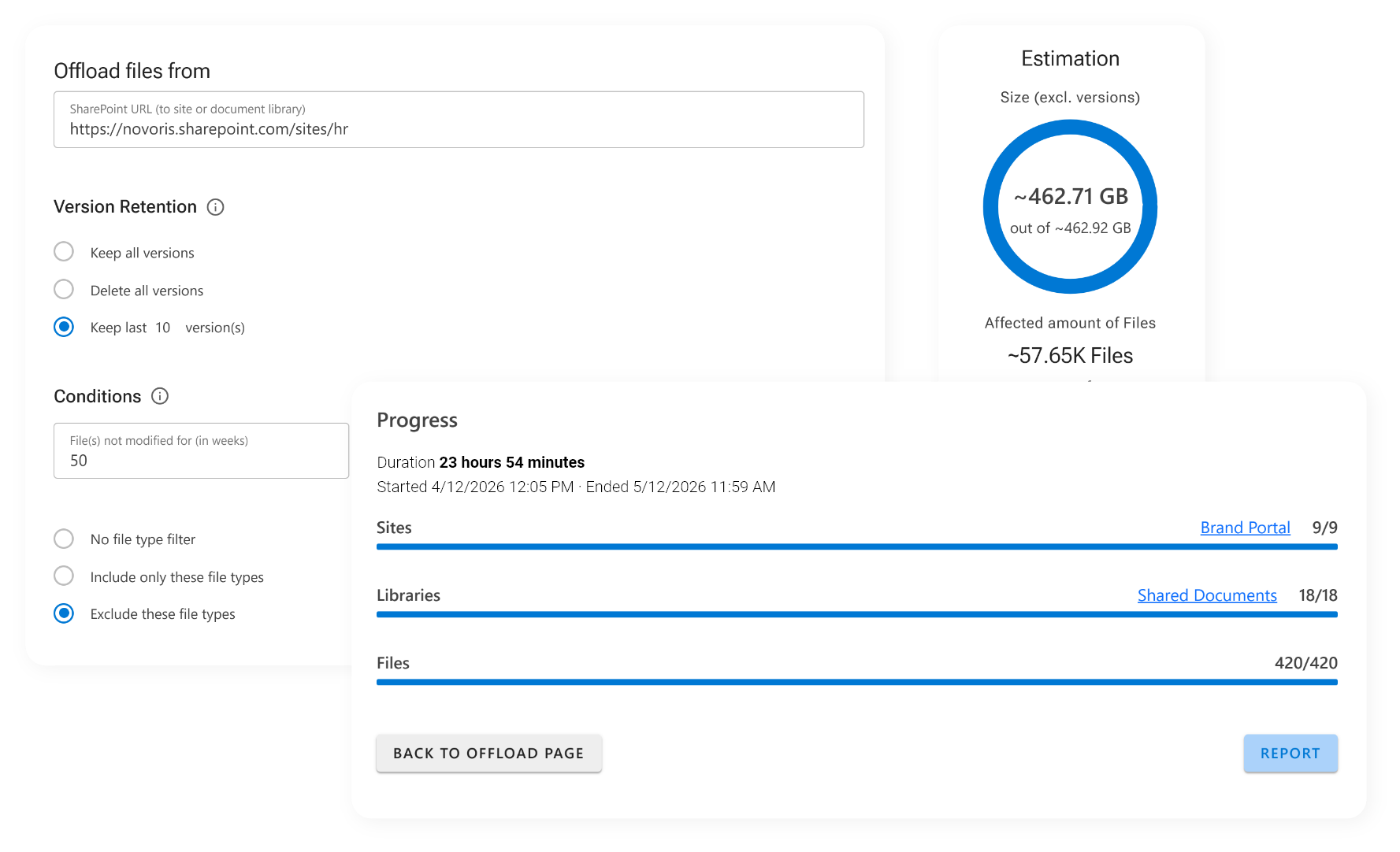
- Set up rules, which data should be moved from SharePoint to Azure Blob Storage.
- End users work in SharePoint as usual.
Nothing changes for end users—while IT saves time and money
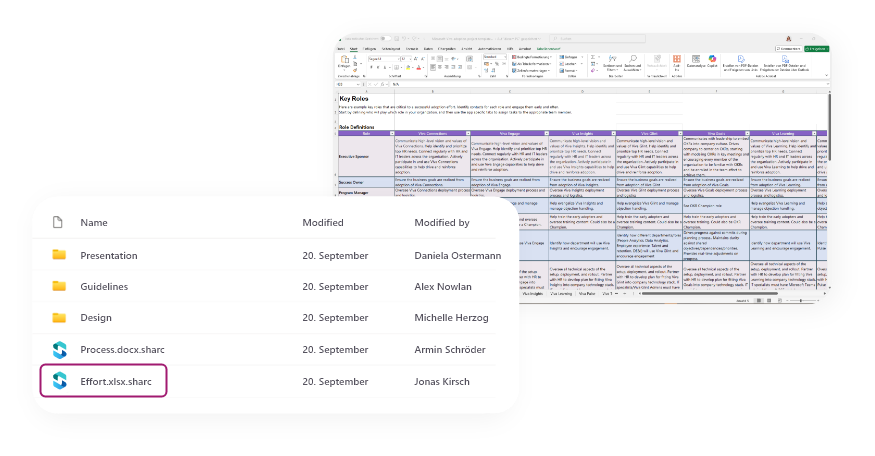
End users access files as before through SharePoint, Teams and OneDrive.
They can only recognize that the data is archived when they see the ShArc icon. End users retrieve these data as usual by 1 click. So ShArc saves IT departments a lot of time for reloading data.

The team behind ShArc
More than 3,200 companies around the world trust us and our products. We are Layer2 leading solutions, the market leading provider for integration and synchronization software since 1991 and a certified Microsoft Modern Work Solution Partner with 4.5 stars on Capterra, Software Advise and GetApp.