Why IT admins trust ShArc
Trusted Microsoft 365 partner with 1,500+ customers, 2.5+ PB moved data, Zero disruption for end users.

Microsoft Modern Work Solution Partner

More than 500 organizations trst ShArc

2.5 PB data successfully offloaded

$3.7 Million storage costs saved
Why SharePoint archiving is necessary
Every IT admin knows the problem: The costs of additional SharePoint storage are too high.

Continuous growth, silent billing
SharePoint data grows even when nobody uses it. Versioning silently inflates storage. Inactive data is billed exactly like active data.

Microsoft's own archive is limited
Microsoft 365 Archive has no immediate restore. Up to 24-hours restore delays, up to 4-month re-archiving delays, and far less control over policies.

Manual cleanup doesn't scale
Asking teams to clean up their files never works at scale. It's unreliable, time-consuming, and always falls back on IT.

Versioning silently inflates storage consumption
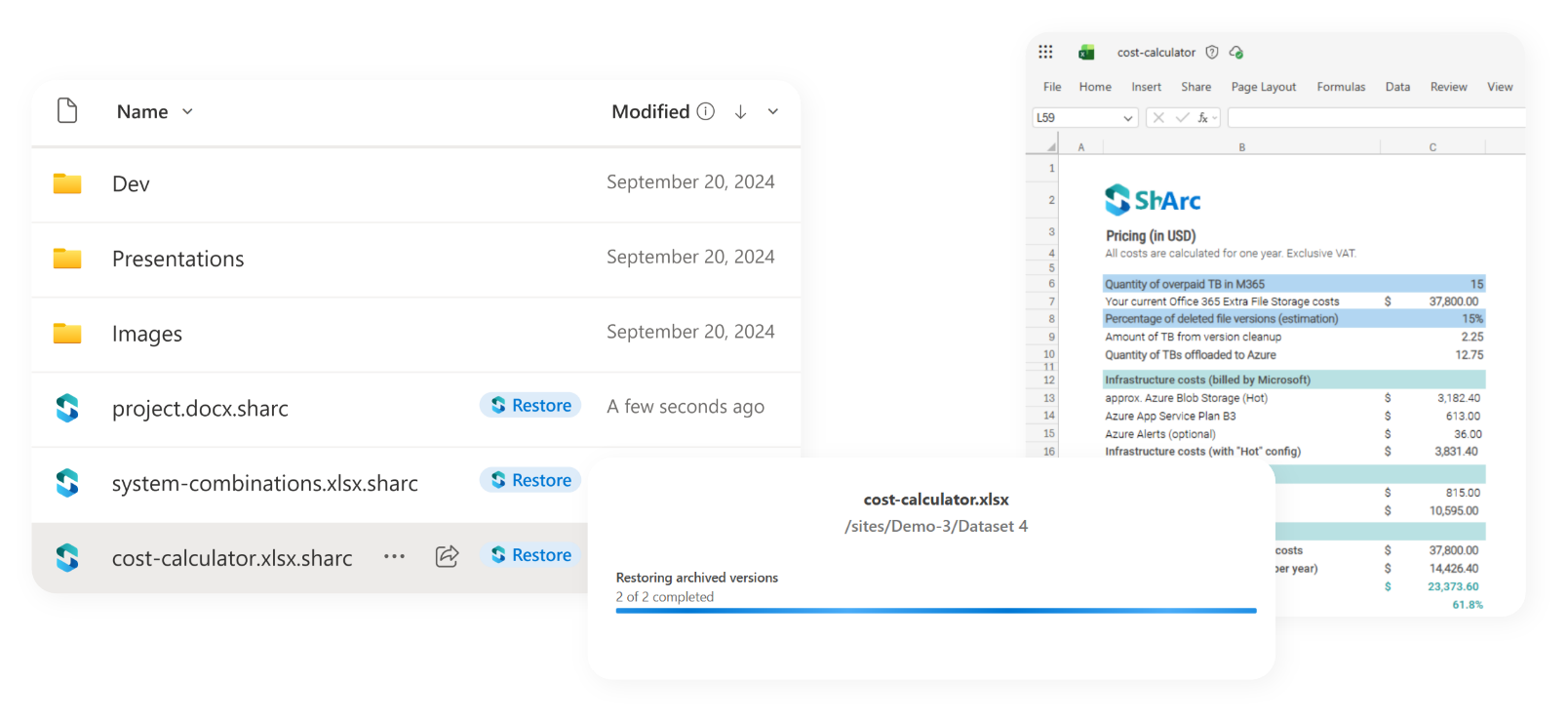
ShArc limits this with flexible version retention and by moving inactive versions and large files to low-cost Azure Blob Storage.
Comparison: SharePoint archiving with ShArc versus Microsoft 365 Archive


ShArc
Microsoft Archive
Control
Policy-based, automated/scheduled
More limited control
Granularity
File-level via policies, plus full sites and libraries
File-level (user-driven) or full-site archiving
Restore experience
Seamless for end users, without involving IT
Often requires IT to reactivate content
Restore speed
Immediate access
From a few minutes to 24 hours
Re-archiving
Works without delays
Up to 4 months delay
Trusted by SharePoint Admins around the world