

Preview your images before restoring them
Restore with confidence: see before you retrieve
When archiving happens at scale across hundreds of SharePoint sites, one question becomes inevitable: how do users know they're restoring the right file?
With ShArc, users don't have to guess. Before initiating a restore, ShArc lets you preview archived content directly, so users can confirm they have the right document, the right version, the right file. No unnecessary restores, no helpdesk tickets, no lost productivity.
.png?width=518&height=601&name=Screenshot%202026-06-16%20143610%20(1).png "Rose")
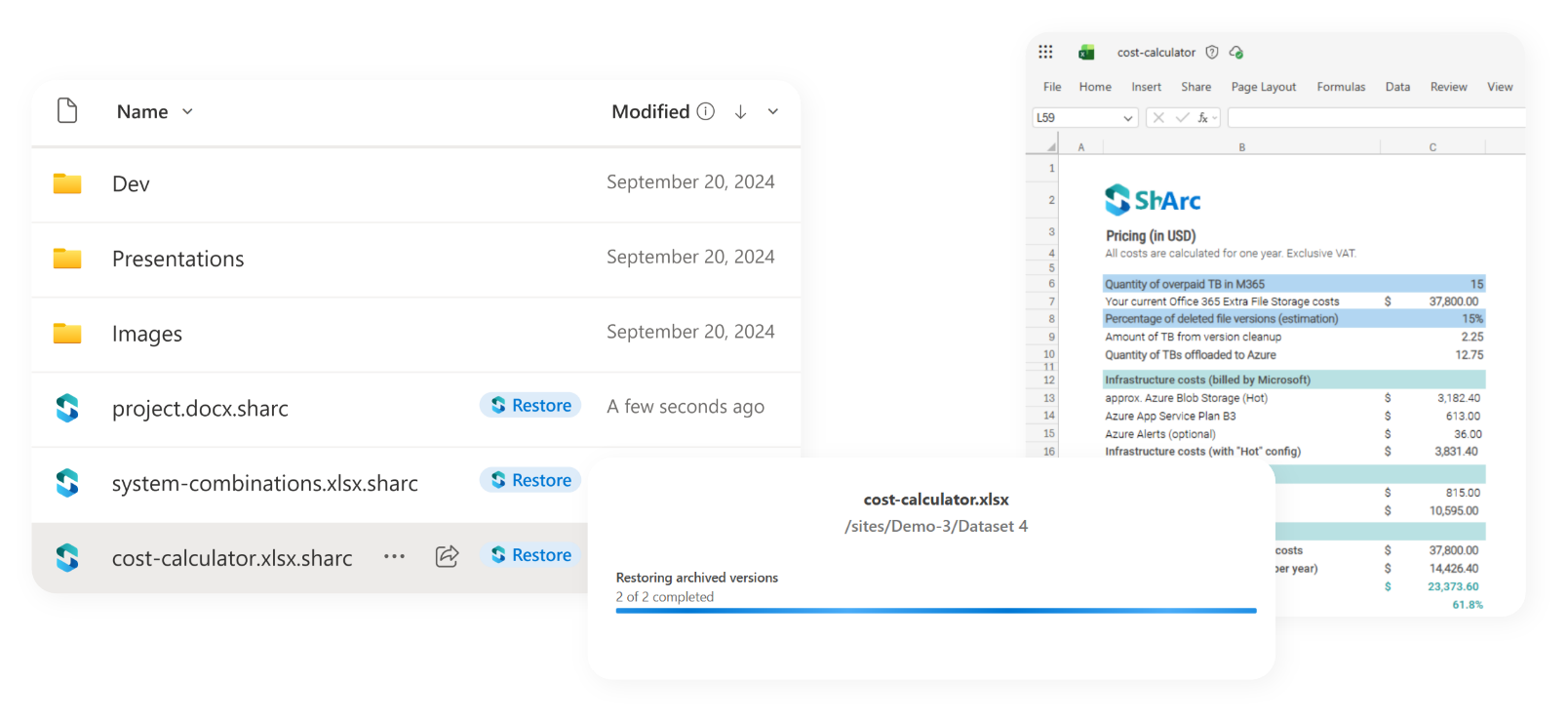
Restore after preview: what the preview experience gives you
- Visual confirmation before restore is triggered
- Full metadata visible at a glance: filename, modification date, author
- Permissions restored exactly as they were, no manual re-assignment
- Works for large files including videos and MP4s
Built into your archiving workflow
ShArc's restore integrates with your archiving policies. If content was archived to an Azure Blob tier, restore handles the tier transition automatically: no manual storage management, no extra steps for admins or users.
ShArc offers you automation and insights
Archiving becomes invisible to end users, restore stays intuitive even for older or rarely accessed content, and Version Retention runs automatically alongside archiving—so nothing falls through the cracks. Easily restorable with One Click.