

Restore whole sites and libraries
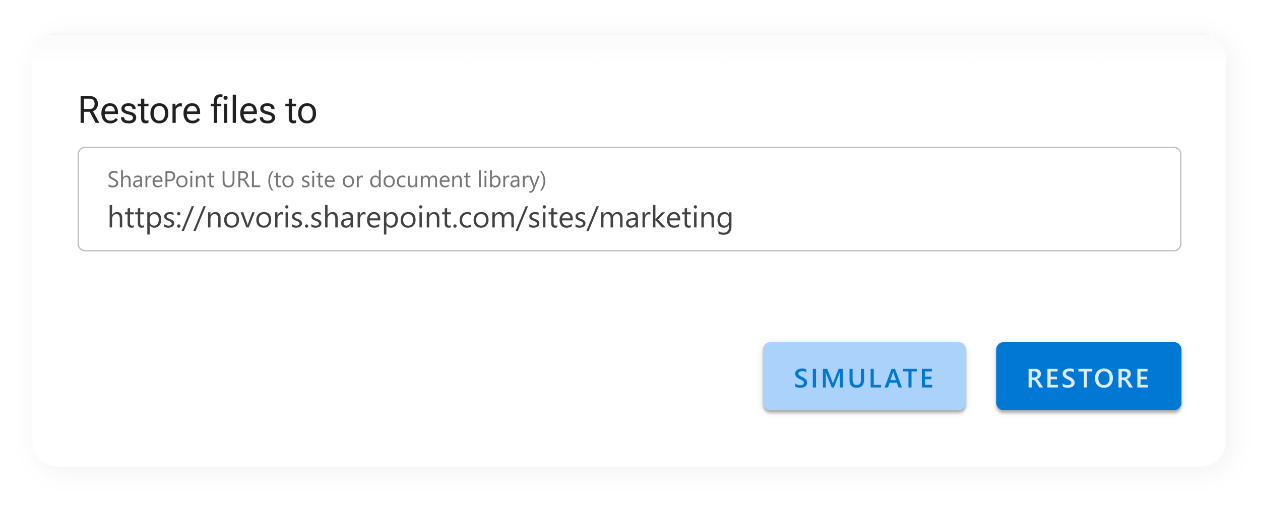

Restore entire SharePoint areas
No complexity, no risk. With ShArc, you can bring back complete content, including all files, folders, permissions, and metadata, exactly as they were. There’s no need for complicated restore workflows, no reliance on external backup solutions, and no risk of losing crucial information. This feature gives IT teams the power to:
- Instantly re-activate archived project areas
- Maintain folder structure, file integrity, and permissions
- Respond quickly to business, legal, or operational needs
- Avoid the pitfalls of manual recovery processes
Once restored, the site or library functions just like it did before archiving. Teams can immediately access files, continue working on documents, or restore data for review or reporting, without having to file a support ticket or wait for manual intervention.
Use cases where ShArc’s restore feature shines
A legal or compliance audit requires full project documentation from the past
- Business intelligence teams need access to historical data sets for trend analysis
- An archived customer project gets reactivated after a contract renewal
- A department wants to revisit previously completed initiatives for reuse or replication
- All data stays in your environment, safely and compliantly
ShArc ensures that all data remains within your Azure tenant, with full adherence to Microsoft security standards. Restores do not require transferring files from external storage or reapplying configurations, everything is already connected, authorized, and ready to go.


Can we get that project site back? Can we get files back?
With ShArc, the answer is always "yes". Whether you're restoring a single library or an entire site, ShArc gives you the tools to respond immediately, without delays or technical hurdles. Individual files are restored directly by end users using the One-Click Restore feature.
In addition, admins maintain full visibility. The History feature allows them to track what was archived and when. By using Automated Alerting, they receive automated notifications.