Schedule your archiving conditions
Manual archiving is time-consuming, error-prone, and not scalable in a modern Microsoft 365 environment. With ShArc, you can eliminate repetitive cleanup tasks by setting up automated, recurring archiving jobs tailored to your organization’s data lifecycle.
Whether you need to archive legacy project data once or constantly, ShArc gives you the flexibility to schedule your archiving conditions exactly when and how you need them.
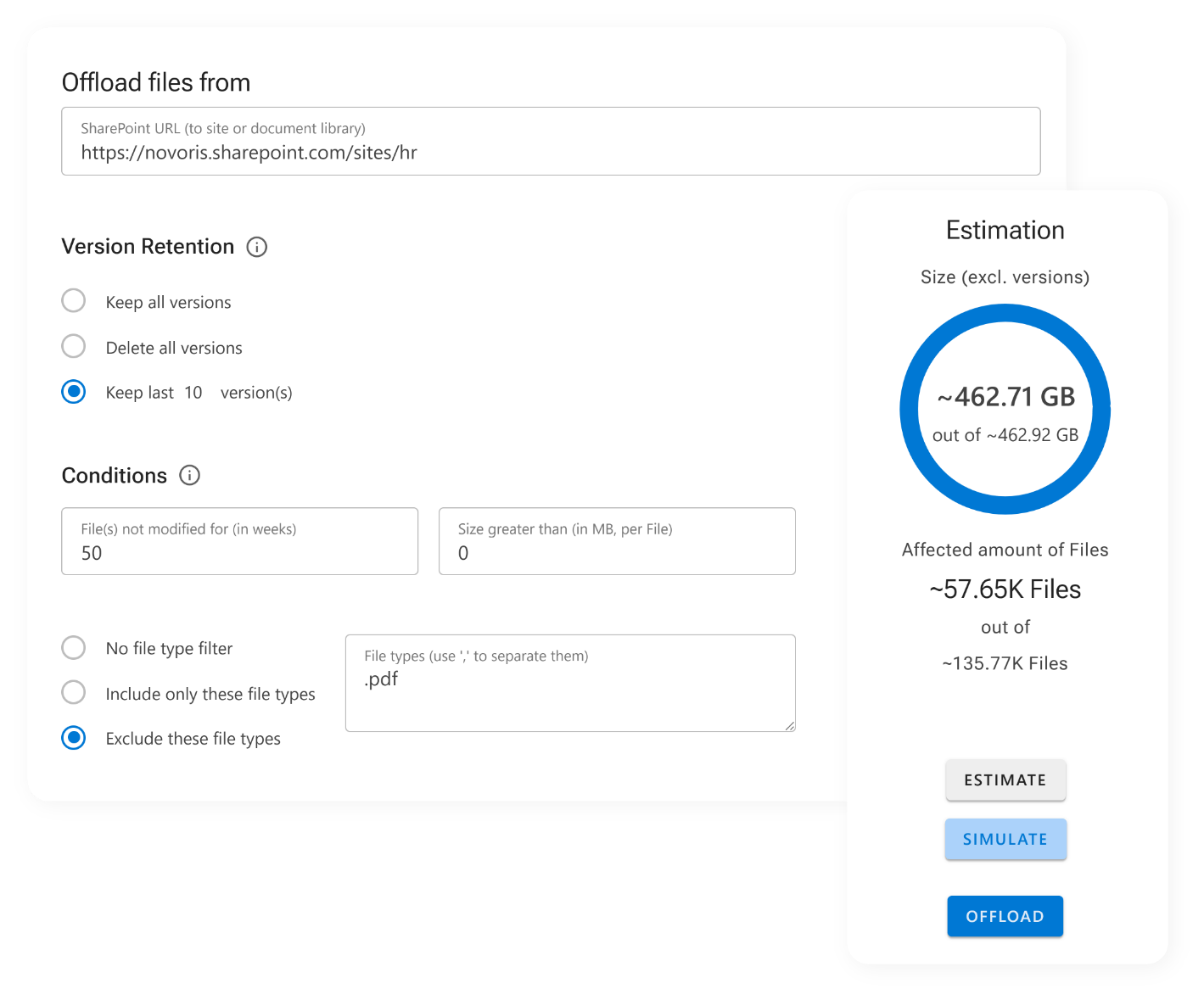
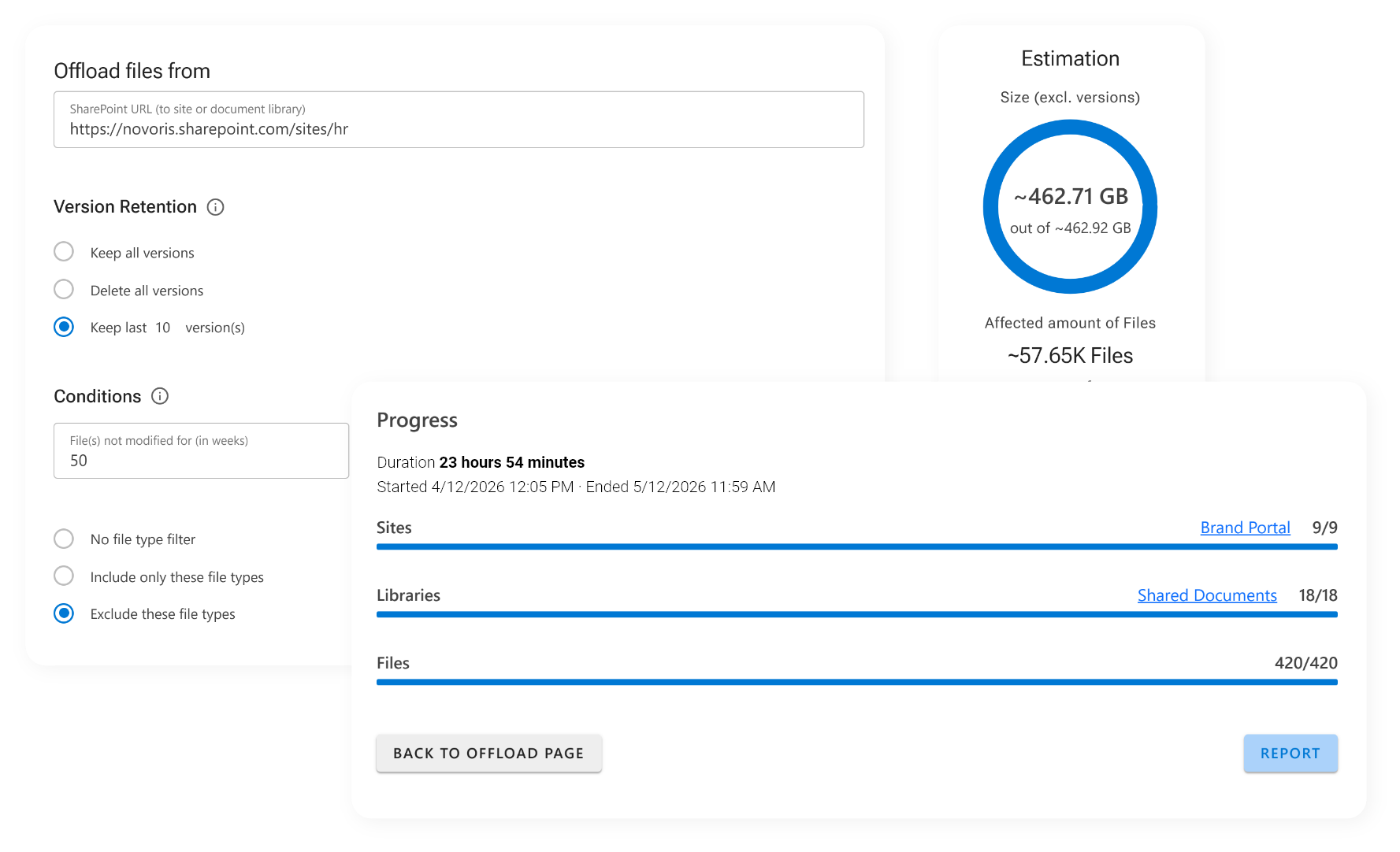
Automate your archiving and free up space without lifting a finger
You can schedule jobs for:
- Individual SharePoint sites or libraries
- Specific folders tied to Teams or departments
- File types that commonly grow fast (e.g., media, CAD, backups)
By reducing the need for manual intervention, you gain back valuable admin time, minimize the risk of human error, and establish a reliable data hygiene process that keeps your SharePoint environment lean and efficient, week after week.
The scheduling engine ensures that
- Archiving happens at non-peak hours, so it never interrupts people while they work
- Storage is managed proactively, not reactively
- Your archiving routine becomes fully automated and consistent
You can monitor and adjust scheduled jobs at any time through the intuitive dashboard. This makes adapting to new project phases, team needs, or compliance guidelines fast and simple.
Ready to optimize your storage? Book your free demo and learn more about ShArc.