

Create archiving rules with policy management
Policy management gives IT admins the power to create automated archiving rules. These rules decide which files stay in SharePoint and which move to Azure Blob Storage.
With hierarchical control, flexible criteria, and smart overrides, you can design policies that match your organization’s unique data strategy.
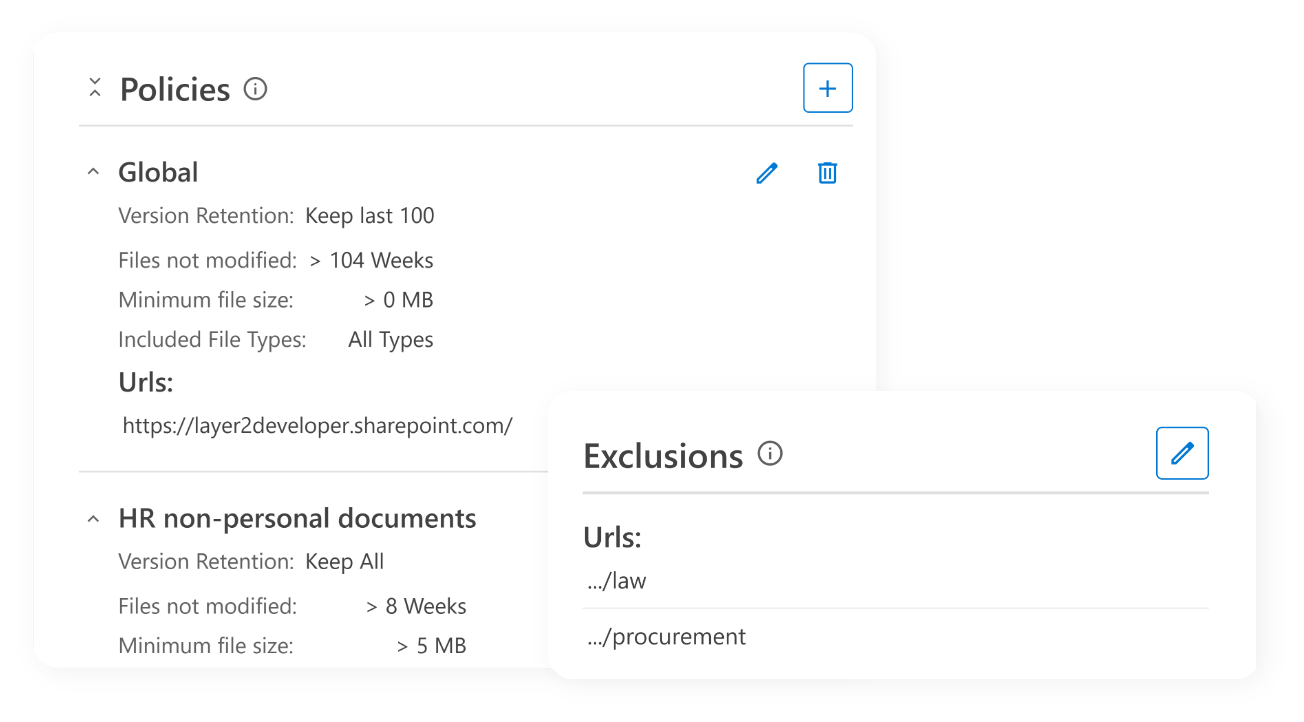
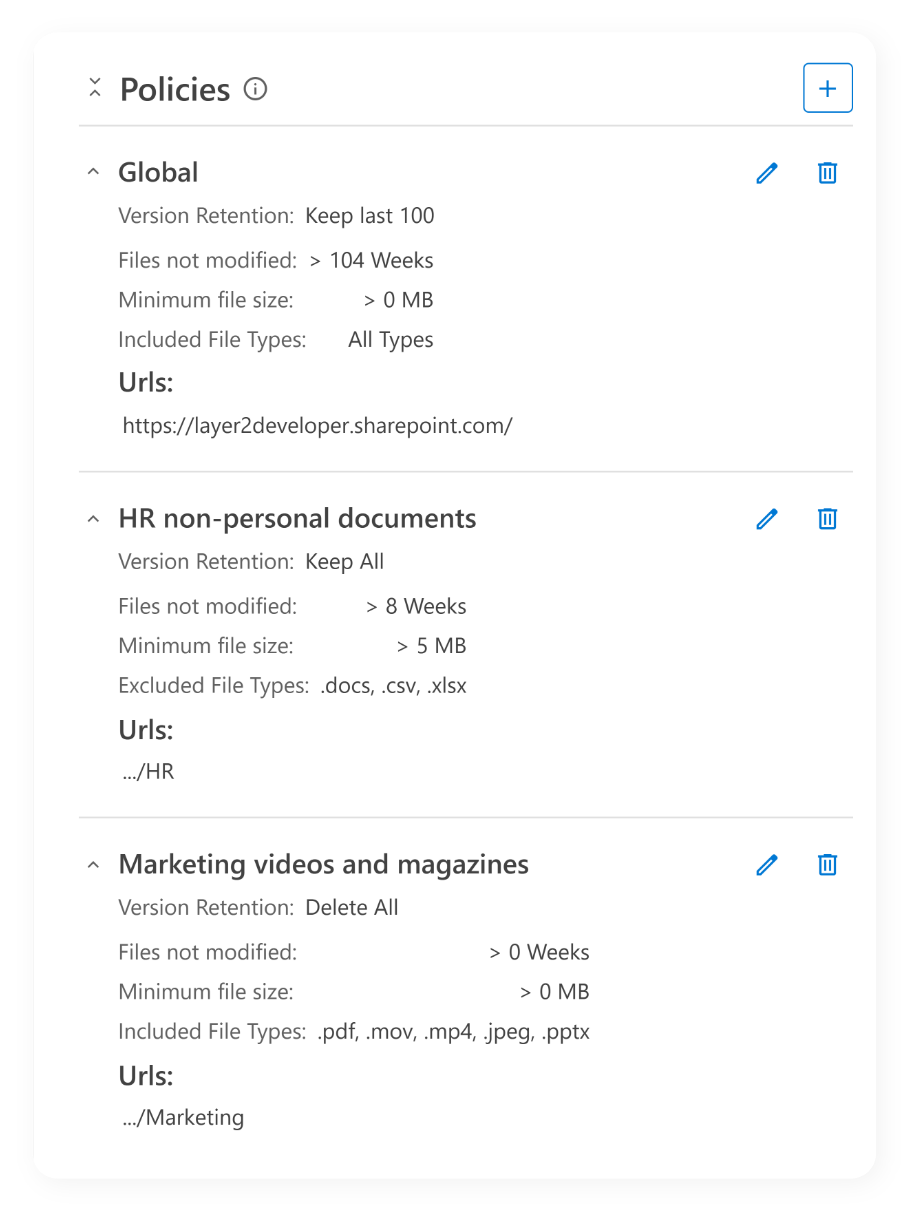
Manage policies globally or specifically
ShArc policies follow SharePoint’s natural hierarchy. General company-wide rules can be refined by departments, subsites, or even libraries. More specific rules automatically override higher-level ones, so each team gets exactly what it needs.
- Hierarchical policy structure: create policies at domain, site, subsite, or library level.
- Rules can be defined based on: file size, age, or both.
- Smart override system: lower-level policies automatically override higher-level ones.
Set up exclusions or combine criteria
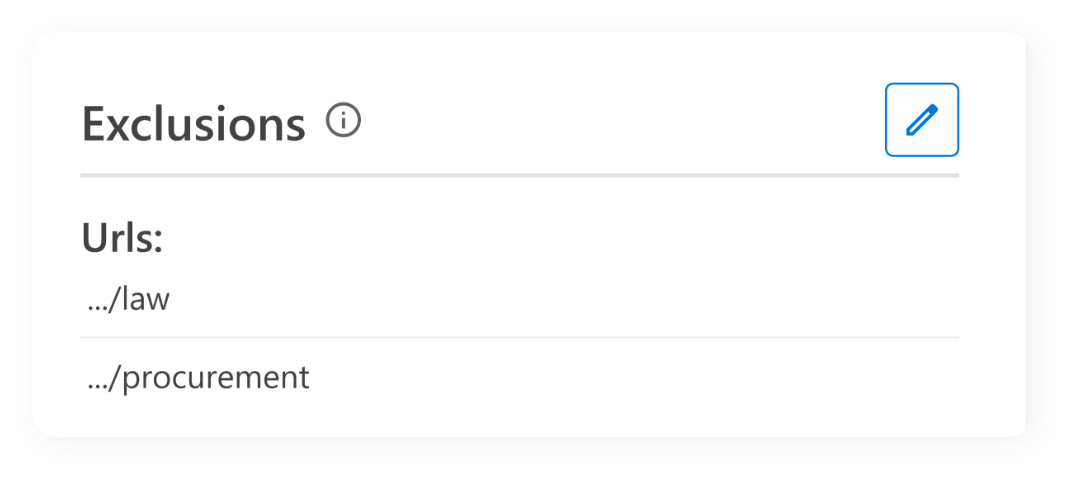
You can also set up exclusions to decide which data will not be archived. The files your users rely on every day then stay right where they are.
- Exclusion support: exclude specific locations from archiving policies.
- Combined criteria: use and logic to create precise archiving conditions.

Advantages of policy management and next steps
- Safe, precise archiving
- Regular archiving of cold data
- Confidence that only what really needs to be removed from storage will be archived
ShArc policy management gives you full control over all archiving rules and ensures that cold data is regularly transferred to low-cost storage. Exclusions also allow you to ensure that only certain data is archived.
Check the history to see which data has been offloaded and gain insight into the impact of your policies