Create your archiving conditions
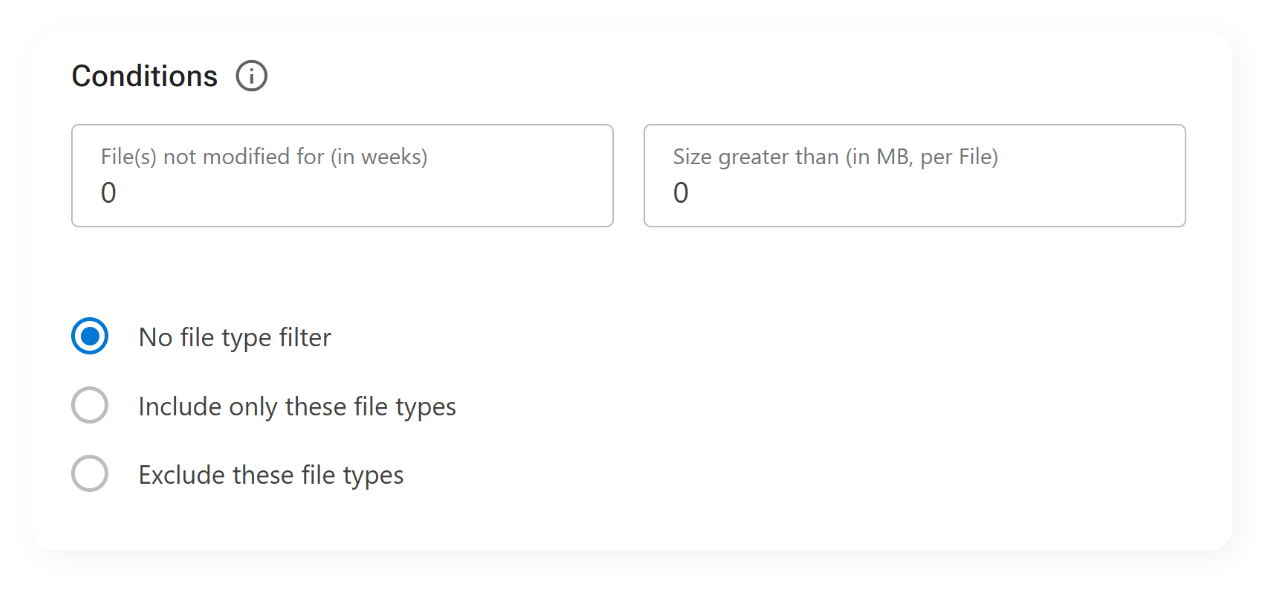
Managing SharePoint storage isn’t just about reducing volume. It’s about doing it strategically. With ShArc, you can create highly customized archiving conditions tailored to your organization’s real-world data usage. Whether you're working with large project libraries, archived Teams channels, or unstructured departmental folders, ShArc allows you to define what data should stay and what can move.

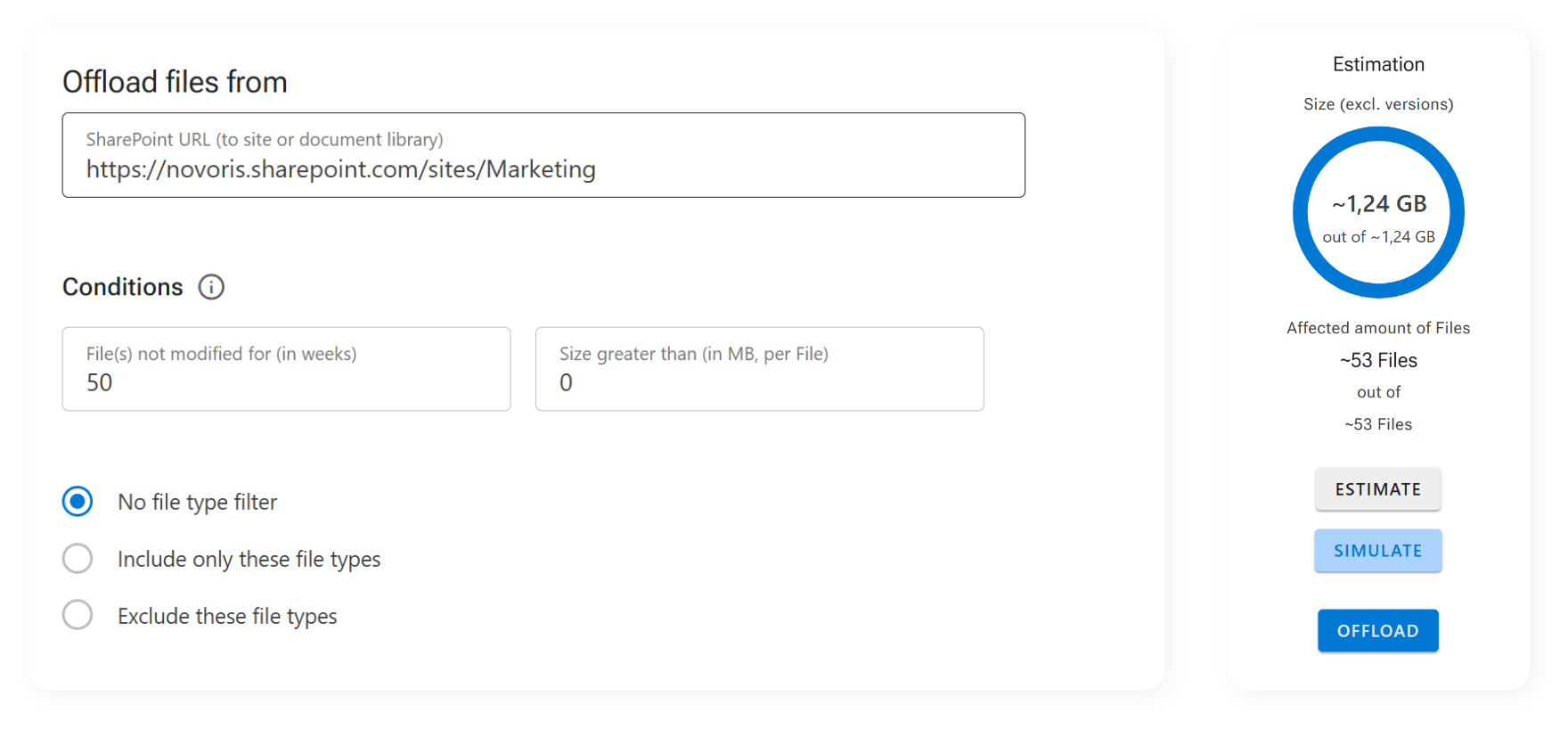
The result of using archiving conditions
- Smarter archiving
- Leaner storage footprint
- User access data as usual
By fine-tuning your archiving strategy, you avoid one-size-fits-all cleanup processes and ensure that high-value content stays accessible while cold data quietly moves to low-cost Azure storage. It’s your data, your structure, just more efficient.
Ready to define your own rules? Configure your first archiving conditions in under 5 minutes.