Simulate your offload impact
Before making any changes, ShArc scans your SharePoint and pinpoints exactly which files can be offloaded: by size, location, and age. Run simulations to reveal where your cold data hides and how much storage you can reclaim. This way, you can see the real impact before taking any action.
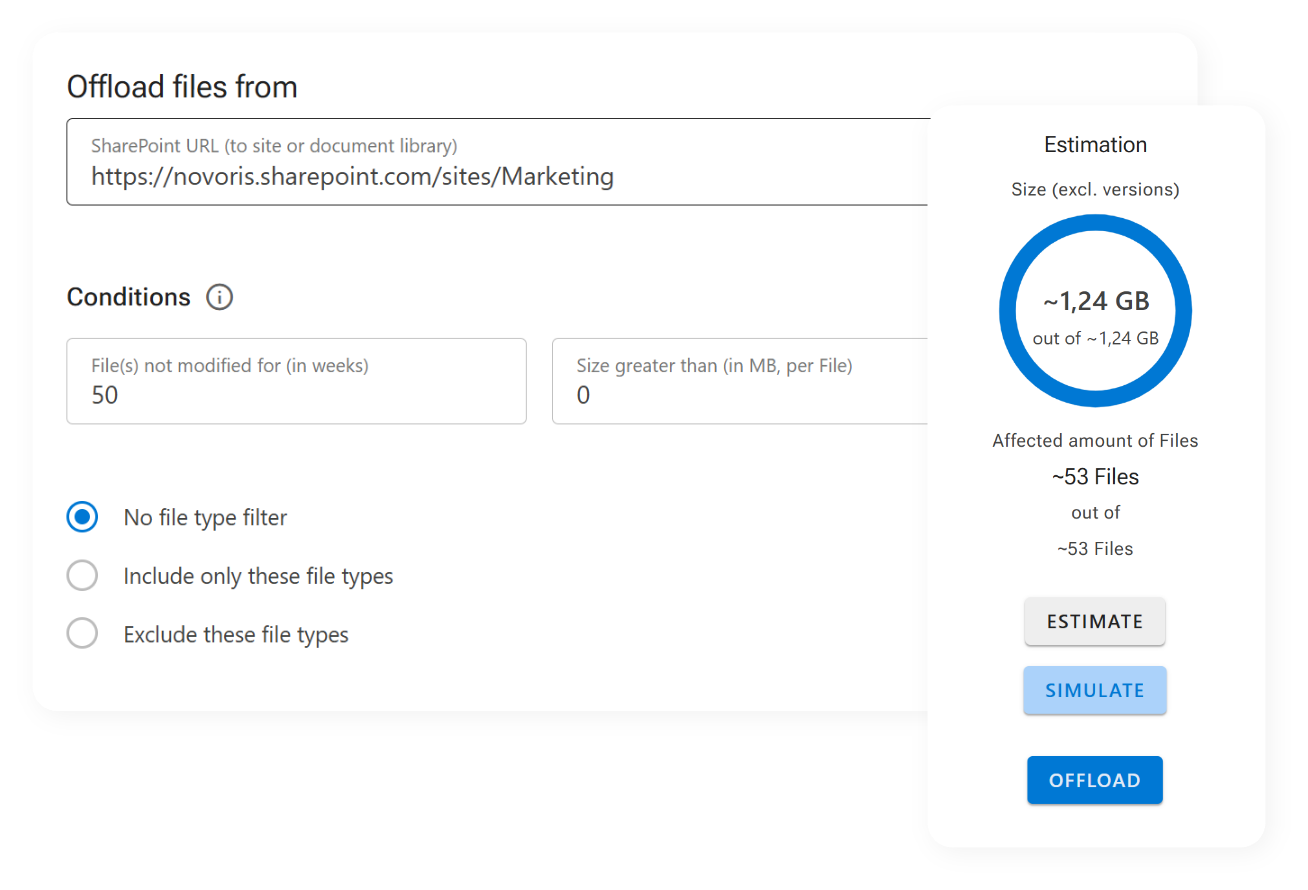
That’s where ShArc’s simulation feature comes in. This feature allows you to configure custom offload rules for any SharePoint site or libraries and then immediately simulate the result.
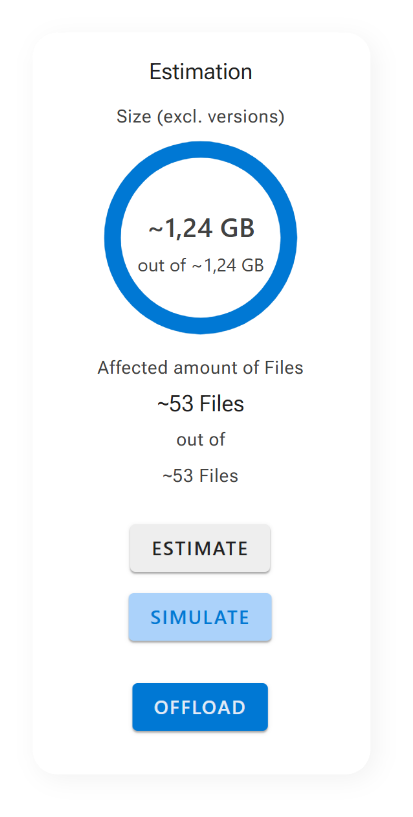
You'll see exactly how much storage space would be freed up by applying your conditions, without touching a single file.

Why the preview matters
- Automated, planned offloading
- Make informed, data-backed decisions
- Avoid over-cleaning and keep important files accessible
- Maximize your ROI by offloading only what makes sense
With this insight-first approach, you can fine-tune your offloading strategy before implementing it – and avoid costly trial-and-error cycles. The result is a leaner, cleaner SharePoint environment, optimized for performance and cost-efficiency.
Take the risk out of cleanup. Start with a simulation and preview the benefits of ShArc.