Simulation
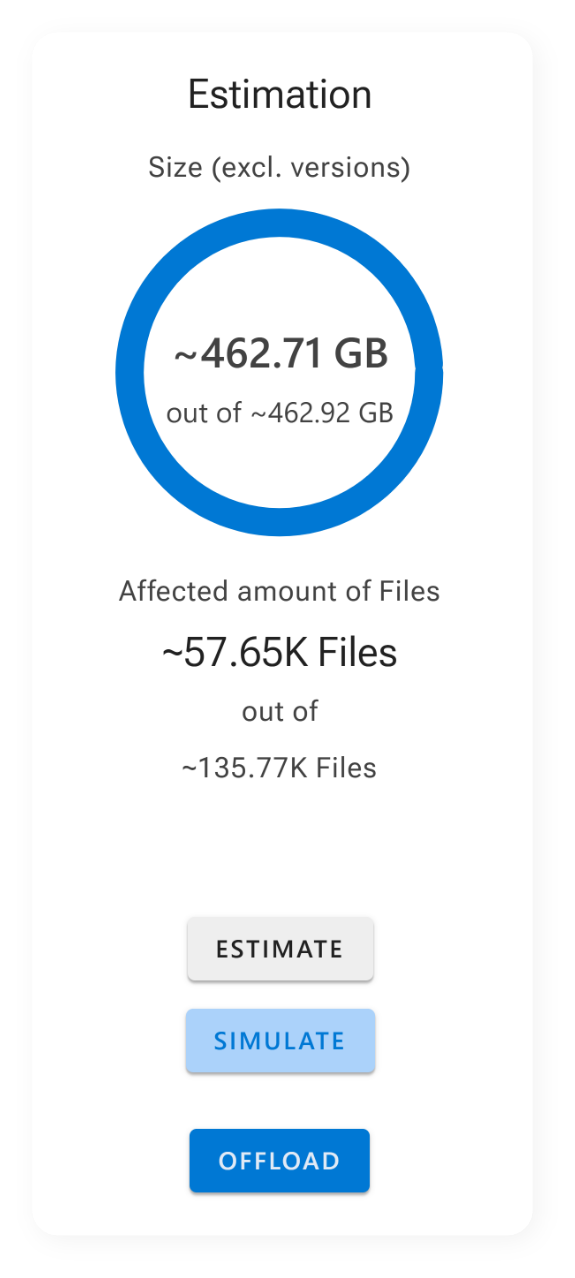
Understand exactly how your filters, thresholds, and conditions will affect your environment. With transparent insights into storage reduction and cost impact, you can fine-tune your setup, avoid guesswork, and keep high-priority data right where it needs to be.
Make smart decisions before committing to an offload job and optimize your environment without disrupting users or workflows.

Insights for full transparency
Setting up alerting takes just a few minutes and provides lasting peace of mind. You can configure alerts for:
- Successful offloads
- Warnings or skipped files
- Failed jobs or permission errors
Notifications can be delivered via email, SMS, Microsoft Teams, or routed into your existing incident management system. This level of transparency helps you to detect and resolve issues before users are affected, monitor job health and rule performance over time, and prove operational reliability and accountability across teams. Combined with ShArc’s reporting and logging, automated alerting becomes your early-warning system for everything related to SharePoint storage offloading.
Learn how to get notifications
Want to see how easy it is to set up smart alerts in Azure with ShArc and how you can prevent issues of your data management?
We'll walk you through it step by step.
Book a free demo to experience notifications in action.